College life does not become difficult because of studies alone, rather it actually becomes difficult when assignments, notes, deadlines, and submissions start piling up together, and everything starts feeling scattered without a clear system.
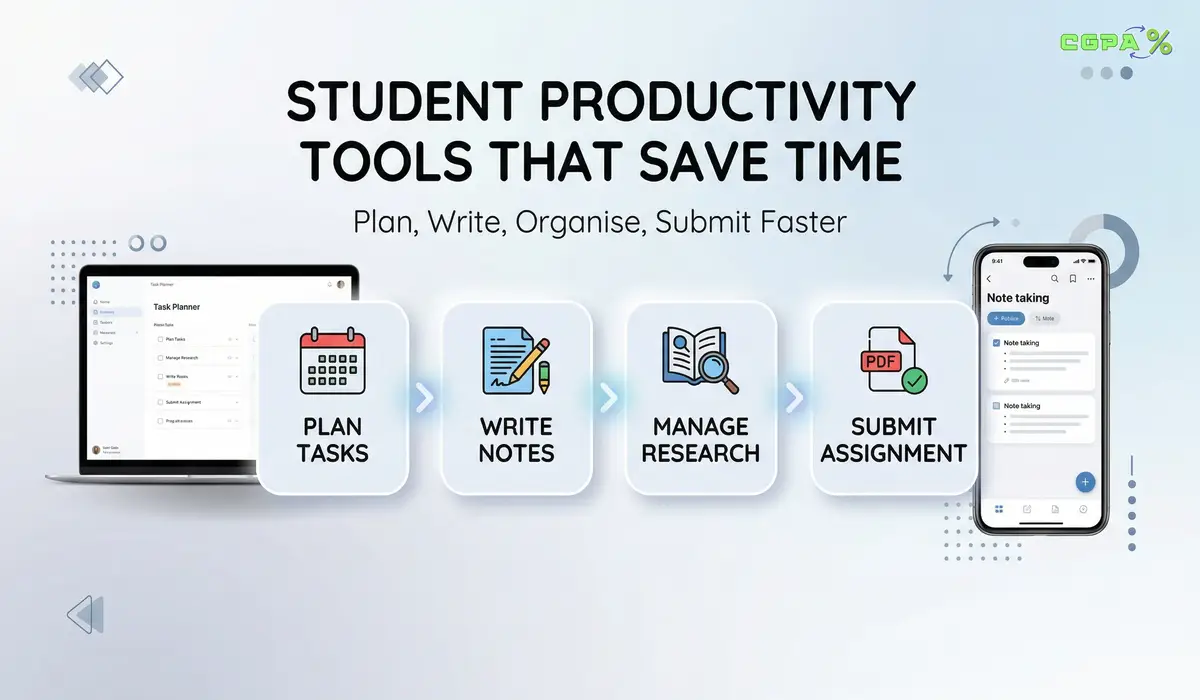
At first, it feels like you are working the whole day, but when you check your actual progress, you realise most of your time went into switching apps, fixing formatting issues, searching files again, or rewriting content because it was not organised properly from the start.
The thing is very clear here, and that is the productivity is not about doing more work in less time, it is about removing small repeating problems that slowly waste hours every single week.
What Actually Wastes Time for Students
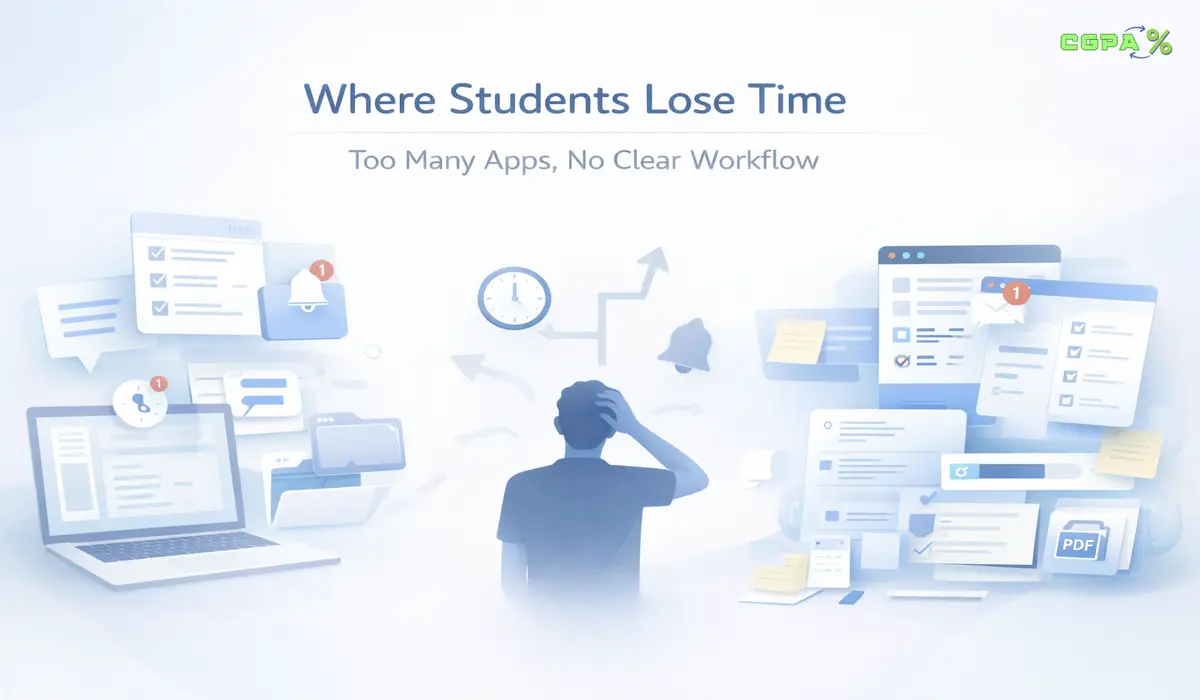
You may think your time goes into studying, but in reality, most of it gets lost in small interruptions that break your focus and slow down your work.
One moment you are writing notes, and then you switch to another app to check something, after that you open another tool to track deadlines, and when you finally come back, your flow is already broken, and you take time to restart.
Another major issue comes at the final stage, where your assignment is already complete, but formatting is not correct, due to which you start fixing spacing, alignment, headings, and structure manually, which takes more time than writing the actual content.
This is where most students lose time without noticing, because these are not big problems but small repeated ones that slowly build up.
When assignments include large videos, PDFs, or presentations, students may also need a better way to share large project files without relying on normal email attachments.
Common Time Wasting Patterns
- Switching between too many apps without a clear workflow
- Rewriting or copying the same content again
- Fixing formatting at the last moment before submission
- Searching for files and notes again and again
What Makes a Tool Actually Useful for Students
You should not use a tool just because it is trending or popular, because many tools look helpful at first, but they actually add more steps and increase your workload.
A useful tool removes repeated work, so if you are doing the same action again and again, the tool should handle that part automatically and reduce your effort every time.
Another important thing is how consistent you are. Your work should look the same on every device, and you should not waste time fixing layout or formatting again.
You can also understand how structured documents maintain consistency from this official explanation of PDF file structure.
If you are just starting and feeling confused about which tools to use, it is better to begin with a small set of reliable options instead of trying everything at once.
There are many tools available, but only a few actually help in real student workflows like planning, writing, and managing tasks. You can explore a curated list from the 5 Best Free Tools a Student Can Use to Study Better, which gives you a clear starting point without overwhelming choices.
What You Should Look For in a Tool
| Factor | Why It Matters |
|---|---|
| Reduces repeat work | Saves time daily without extra effort |
| Works across devices | Prevents formatting issues |
| Fits your workflow | Reduces switching between apps |
| Easy to use | Saves learning time |
Tools That Help You Plan Deadlines and Study Time
Planning is the base of everything because if deadlines are not clear, your work starts piling up, and you lose control without even realising it.
When tasks are not organised in one place, you end up rushing everything at the last moment, which increases stress and reduces the quality of your work.
Tools like Google Calendar and Google Tasks help you organise your schedule in one place so you always know what needs to be done next, and you do not depend on memory.
You can also explore how task tracking works from this Google Tasks overview.
How Planning Tools Save Time
- You stop forgetting deadlines and important tasks
- You reduce last minute stress and confusion
- You follow a clear plan instead of guessing
- You save time deciding what to do next
Sometimes you are not always on your laptop, and that is where mobile apps become important because most students manage their daily tasks, reminders, and quick notes directly from their phone.
The right apps can make your workflow smoother even when you are not sitting at your desk. You can check some useful options in the best Android apps that every student should use, where different apps are explained based on real student needs.
Tools That Help You Write and Collaborate on Assignments

Writing becomes slow not because of typing but because of interruptions like sharing files, editing content, and managing different versions of the same document.
When you use tools like Google Docs, everything stays in one place, so you write, edit, comment, and share without sending files again and again.
If you want better organisation tools like Notion, which help you manage notes, assignments, and ideas in one place, so your work stays connected instead of scattered across different apps.
You can see how collaboration works from this Google Docs collaboration feature overview.
Writing Workflow Comparison
| Without Tool | With Tool |
|---|---|
| Multiple file versions | One live document |
| Manual sharing | Instant sharing |
| Confusion in edits | Clear change tracking |
Tools That Help You Manage Research and References
Research becomes messy when you keep saving links randomly because you forget where you saw something, and you waste time searching for it again later.
A tool like Zotero helps you collect, organise, and manage your research in one place so you do not repeat the same work again and again.
You can understand research management from this Zotero official page.
Why Research Tools Matter
- Save all sources in one place
- Avoid searching again and again
- Keep references properly organised
- Speed up revision and writing work
Tools That Help You Improve Writing Before Submission
After finishing your assignment, small mistakes still remain and fixing them manually takes time and effort.
Tools like Grammarly help you identify grammar errors, unclear sentences, and readability issues quickly, so you do not need to check every line again.
You can check how writing tools work from this Grammarly for students page.
Before submitting your assignment, one more thing you should not ignore is originality, because even well written content can lose marks if it is not properly checked for duplication. Many students skip this step and later face issues during evaluation, which affects their overall performance.
You can understand how plagiarism checking fits into your workflow by knowing the Plagiarism Checker tools, where the full process is explained practically.
What Writing Tools Fix
- Grammar mistakes
- Sentence clarity issues
- Basic readability problems
- Small writing errors
Tools That Help You Prepare Final Submission Files
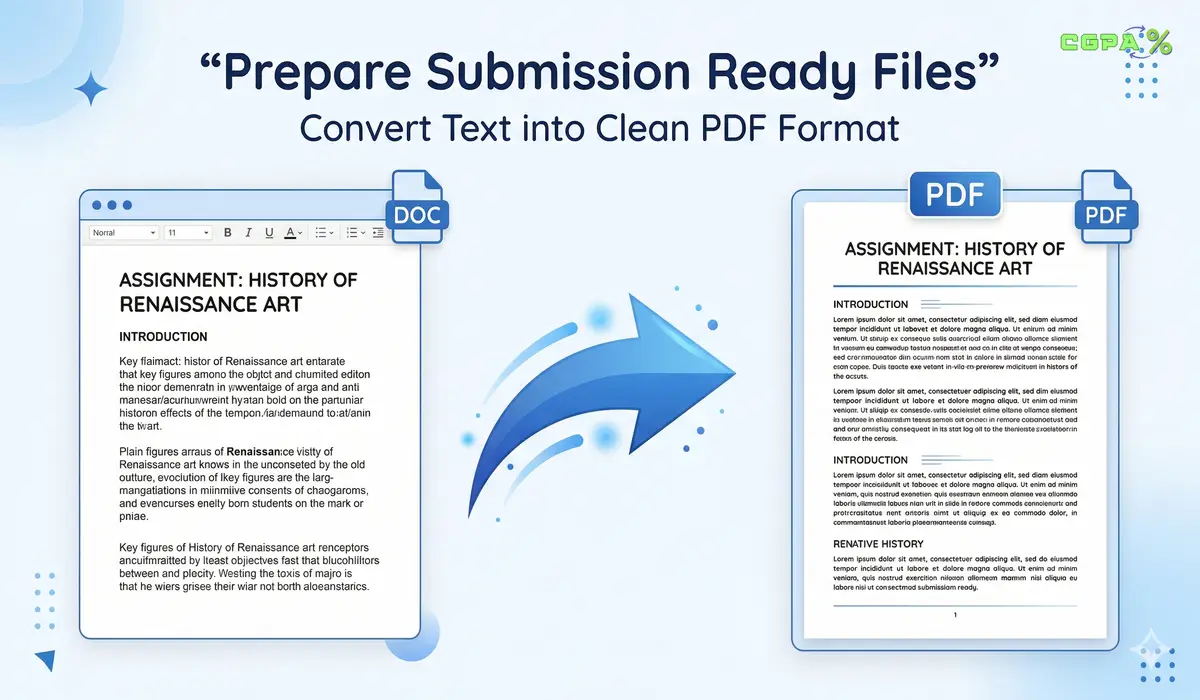
This is where many students lose time because even after finishing their work, the final file is not ready for submission.
You may write your content in plain text or using simple editors, but when you open the file on another device, the formatting changes, and the document does not look the same.
The reason is simple because text files store content but not layout, which is why formatting breaks easily across devices, and you can understand this from this plain text file format overview.
PDF format keeps everything fixed, including spacing, alignment, and structure, so your document looks the same everywhere, and you can verify this from this detailed explanation on how PDF format works.
When your assignment is ready, you should convert it into a proper format before submission because many students face issues when submitting raw text files due to formatting problems.
In such cases, you can use a clean text to PDF online converter to turn your written content into a structured document that stays consistent on every device.
Sometimes another situation also comes where teachers share scanned notes or PDFs where text cannot be edited directly, and in those cases, tools with OCR help you extract content and make it editable again without rewriting everything.
Why PDF Matters
| Issue | Solution |
|---|---|
| Formatting breaks | Use PDF format |
| Layout changes | Fixed structure |
| Submission errors | Standard file type |
How to Avoid Using Too Many Tools
Using more tools does not always help because every new tool adds its own complexity and increases the time you spend managing tools instead of doing actual work.
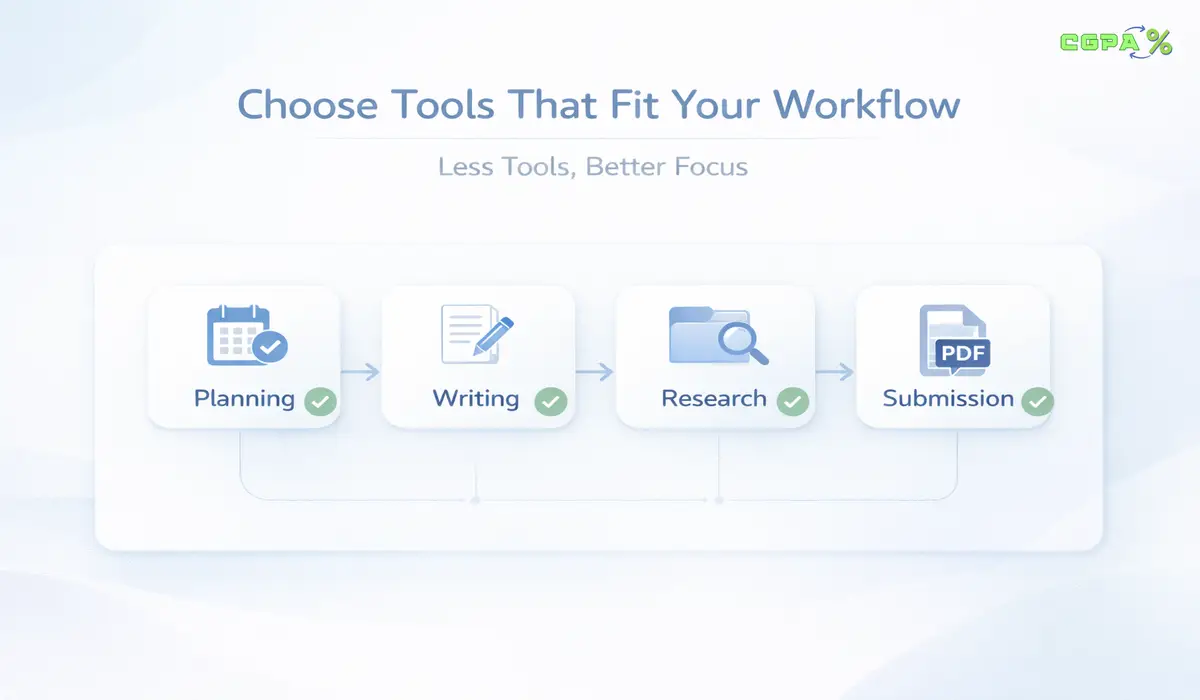
You do not need many tools, but you just need a small and balanced setup that covers your full workflow from planning to writing to submission.
Signs You Are Using Too Many Tools
- You open multiple apps for one assignment
- You copy content between tools repeatedly
- You lose track of files and versions
- You spend time learning tools instead of finishing work
A Practical Rule
| Stage | Tool |
|---|---|
| Planning | One tool |
| Writing | One tool |
| Research | One tool |
| Submission | One tool |
Best Tool Combinations That Work
Different students need different setups, but a simple system always works better because it reduces confusion and improves focus.
For Assignment Focused Students
- Google Calendar for planning
- Google Docs for writing
- Text to PDF tool for final submission
For Research Focused Students
- Google Tasks for planning
- Zotero for research
- Notion or Docs for writing
- PDF format for final output
For Minimal Setup Users
- One writing tool
- One planning tool
- One conversion tool
Workflow Comparison
| Type | Tools | Efficiency |
|---|---|---|
| Scattered | Many tools | Low |
| Balanced | Few tools | High |
| Minimal | Very few tools | Very High |
How to Build Your Workflow
You do not need to copy someone else because your study style may be different, but you can follow a simple structure that works in most cases.
Start by planning your tasks, then write and organise content in one place, and finally prepare your file in a proper format for submission.
Simple Workflow
- Plan your tasks clearly
- Write in one place
- Store research properly
- Convert the final file before submission
Final Thoughts
At the end of the day, most students do not struggle because the work is too hard, they struggle because their workflow is not organised, and small problems keep slowing them down again and again.
Productivity is not about doing more work in less time, rather it is about removing those repeated interruptions, so your focus stays on what actually matters. Also, once your tools match your workflow, everything starts moving smoothly without extra effort, and you naturally save time without even noticing it.
FAQs
What is the best productivity tool for students?
There is no single best productivity tool for students because it depends on how you study and manage your work, but in most cases, a combination of planning, writing, and submission tools works best, as it covers the full workflow from starting an assignment to completing and submitting it.
Why do colleges prefer PDF?
Colleges prefer PDF format because it keeps the layout, spacing, and structure fixed across all devices, which ensures that the document looks exactly the same for teachers and evaluators, no matter where or how they open it.
Can I convert notes into a PDF?
Yes, you can easily convert your notes into a PDF by using a text to PDF converter, which helps you turn raw content into a properly structured document that is ready for submission without formatting issues.
How to extract text from scanned PDFs?
You can extract text from scanned PDFs by using tools like OCROnline.io, which allows you to convert image-based documents into editable text without rewriting everything manually, saving a lot of time during study and revision.