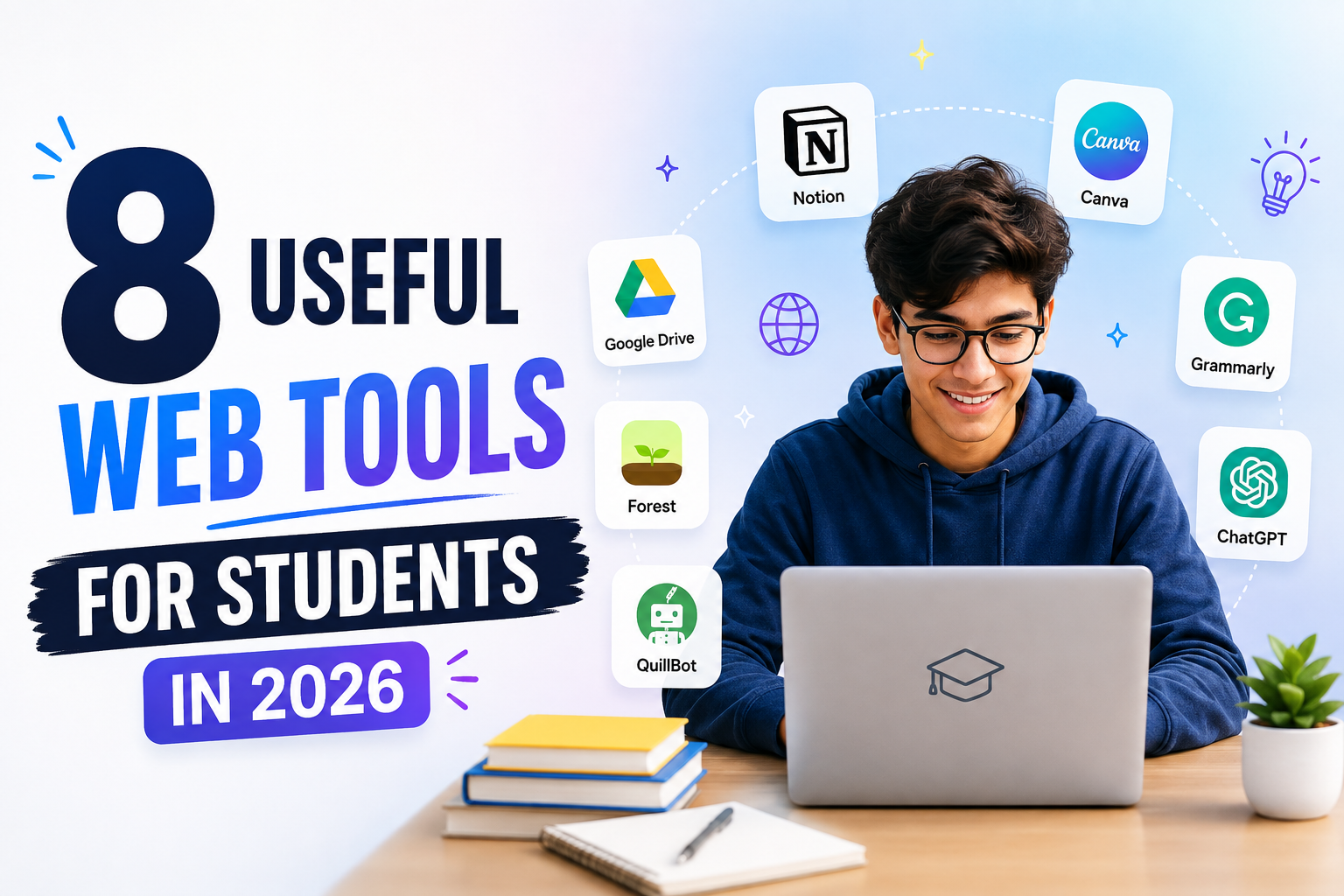
Online tools are proven to be helpful assistants for students. Today, more and more online tools are available than ever. And the good thing is that you can find the free version of most of them. The right tools can help students with many of the day-to-day tasks. However, not every online tool is useful and meant for students’ use. A few useful ones can cover most of their daily study needs.
If you are a student on the hunt for helpful free tools, this article is for you. Here we have grouped 8 useful web tools for students that cover most of the everyday tasks.
AI Tools for Students
AI tools are real and instant study assistants for students. They help in understanding difficult concepts, provide research guidance, and provide quick answers. Here are some of the most popular AI tools for students.
1. ChatGPT
ChatGPT holds one of the biggest shares in the AI market today. Students can use it for various tasks. For example:
- Get a difficult topic explained in simple wording
- Get step-by-step tutorials
- Create practice questions
- Summarize lengthy materials
- Proofread their work
For example, if you do not understand a topic from your textbook, you can ask ChatGPT to explain it like a beginner. You can then ask follow-up questions until the topic becomes clear.
2. Gemini
Gemini is Google’s AI assistant. Google describes Gemini as a multimodal AI tool that can work with text, images, audio, and more. It is now available in most Google applications, like Docs.
Students can use it to write inside their document to:
- Get quick answers
- Validate their answers
- Find relevant information
- Fix errors and more
It can also help when you want to approach the same question from a different angle.
3. Perplexity
Perplexity works more like an AI-powered research assistant. It searches the web and provides conversational answers with citations that point to its sources.
Students can use it to find citations and background information on a research topic. This makes it useful when you want to research a topic quickly. You can also open the cited sources and check the information yourself.
Academic Calculators
For students, good grades are an important part of their lives. Sometimes they need to convert or calculate their GPA. We remember the days just before results day, using spin the wheel to guess the GPA scores. Today, academic calculators can make these calculations much easier.
4. GPA Calculator
A GPA calculator helps you calculate your Grade Point Average from your grades and credit hours. It saves you from errors that occur in manual calculations. You just need to provide some inputs, and the tool will instantly calculate your GPA. This can help you keep track of your academic performance during a semester.
5. CGPA to Percentage Calculator
Students often come across applications where they are asked to provide a percentage instead of a GPA. That is where the CGPA to percentage calculator helps students convert their CGPA into an equivalent percentage.
However, conversion rules can vary between universities and grading systems. Therefore, students should check their institution’s official conversion method when one exists.
Document and File Tools
Students work with many types of files. For example, scanned notes, PDF books, or even images of assignments. Sometimes they need to edit them or organize them into a single file. That is where the following document and file tools provide good help.
6. Image to Text Converter
Image to text converter uses OCR technology to extract written or printed text from an image. This tool can be used to extract text from a photo of class notes, presentations, or an image of a textbook page. Additionally, students can use it to digitize their handwritten notes and copy text directly from image pages.
7. Image to PDF Converter
Image to PDF converter lets you turn one or more images into a PDF file. This can help when you have photos of handwritten notes or documents and want to keep them together in one file. Students can also use it when submitting scanned documents or creating a digital copy of their notes.
Research Tools
Research can take time. Students need good sources for papers and schoolwork. They may need books, papers, and other facts. These tools can help.
8. Google Scholar
Google Scholar helps students find research papers and books. It covers many topics. You can also find these papers and other research. Also, you can see who wrote a paper. You can also see papers that cite it.
For example, if you write about AI, you can search Google Scholar for AI research papers.
Bottom Line
Students do not need many tools to make their studies easier. The right tools can help with various tasks and research. The tools in this list can save time and make daily study tasks simple. Try the ones that fit your needs and use them to study smarter.